Japan eSIM Guide: Choosing a Plan for Fukuoka and Kyushu (2026)
By Kyushu Travels Team · Updated · 6 min read
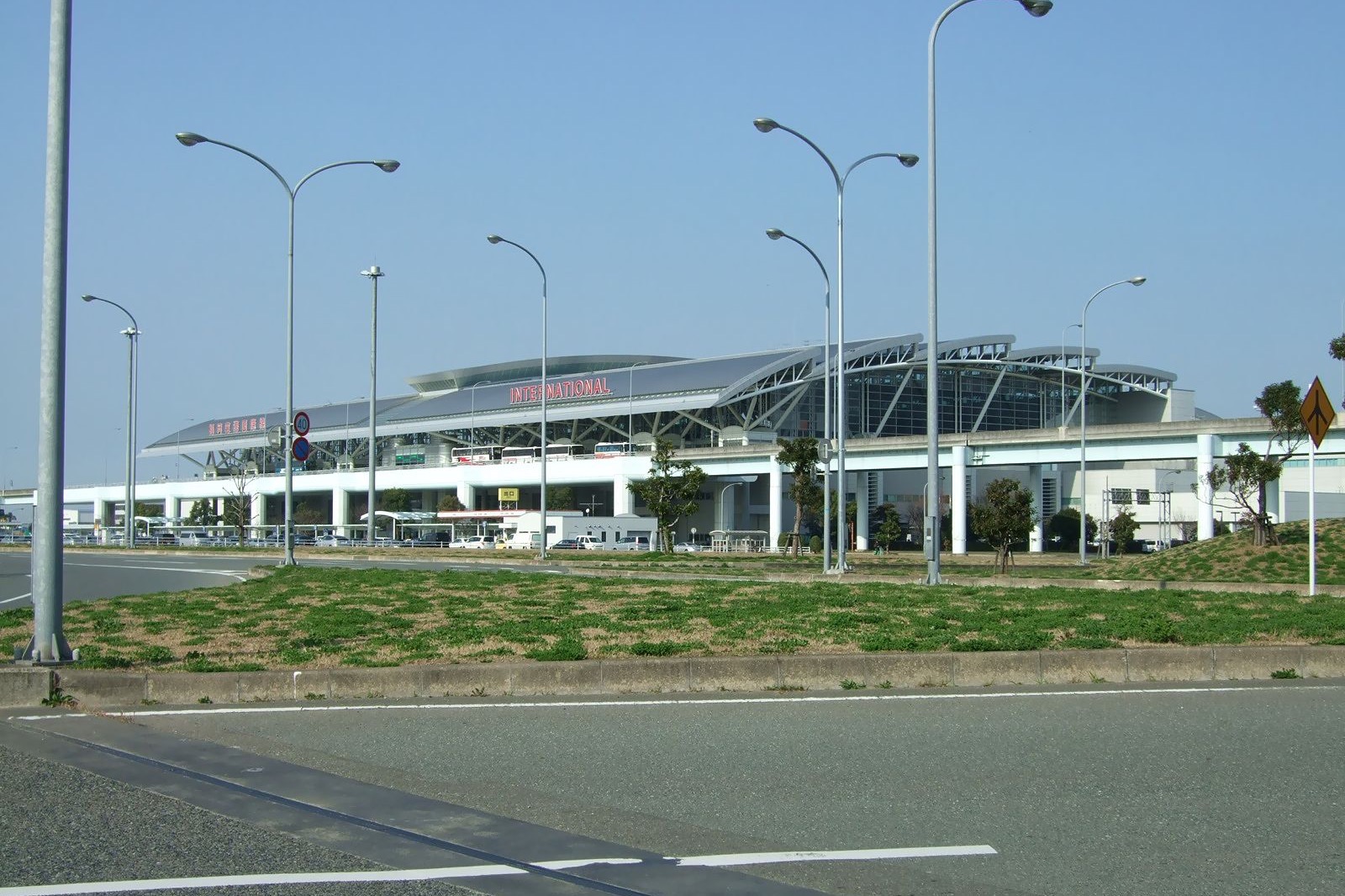
If you’re flying into Fukuoka or anywhere else in Kyushu in 2026, an eSIM is the simplest way to have mobile data from the moment you land. Here’s how it compares with pocket WiFi and a physical SIM, and how to pick and set up a plan.
The main argument for an eSIM is practical: you can buy and install it at home before you leave, and you skip the airport counter entirely. For the airport Wi-Fi networks and arrival points in Fukuoka and Kitakyushu, plus a comparison of Airalo, Yesim and Drimsim, see the Fukuoka eSIM guide. More practical guides are on the travel essentials page.
eSIM vs pocket WiFi vs physical SIM
| Option | Cost (7 days) | Activation friction | Battery use | Works in other countries |
|---|---|---|---|---|
| eSIM (Airalo) | Usually the lowest, unless your carrier plan includes Japan roaming | A few minutes before the flight | None, phone only | Yes, with a plan for that country |
| Pocket WiFi rental | Higher, plus pickup and return | Pickup at an airport counter or hotel | Extra device to charge | No |
| Physical SIM at airport | Usually higher than eSIM | Counter queue + setup | None | Yes |
| Home carrier roaming | Depends on your plan; cheap or free if Japan roaming is included | None | None | Yes |
For trips of up to two weeks, an eSIM usually wins on cost, friction and luggage. There’s no rental unit to lose, return or charge. Pocket WiFi makes more sense when three or more travelers share a single connection, since the per-person cost can then drop below individual eSIMs.
Home carrier roaming takes no setup, but many carriers charge a daily fee for Japan that adds up over a week. If your plan already includes Japan roaming, it may cost less than an eSIM, so check your own plan first.
Browse Airalo Japan plans and current pricingCoverage: does an eSIM work across Kyushu?
In the places most visitors go, yes, though reception varies by spot and by phone.
Airalo’s Japan page lists SoftBank as the main network for its Japan eSIM, with other Japanese networks also listed. SoftBank and the other major carriers cover Kyushu’s cities and main travel routes with 4G/5G, including:
- Fukuoka City and Fukuoka Airport
- Kitakyushu, Mojiko and the Kanmon Strait area
- Yufuin and Beppu in Oita Prefecture
- The Kyushu Shinkansen corridor (Hakata to Kumamoto to Kagoshima)
Coverage is not uniform, even inside those areas. Reception depends on where you stand, the building you’re in and your phone, and the carriers name tunnels and mountain areas as places where the signal can drop. To check a specific spot, use SoftBank’s coverage page or the au coverage map (in Japanese).
Which Airalo plan should you buy?
As of November 2026, Airalo’s Japan page sells unlimited-data plans by validity: 3, 5, 7, 10, 15 and 30 days. Prices change often, so check the current list before you buy. The rule is simple: pick a plan whose validity covers your whole stay, so you don’t need to top up mid-trip.
- Short trip (3 to 5 days): the 3 or 5 day plan, matched to your nights in Japan.
- One week: the 7 day plan.
- 10 to 14 days: the 10 or 15 day plan.
- Extended stays: the 30 day plan.
Unlimited plans can come with fair-use or speed conditions; read the plan details before you buy. Multi-country trips: Airalo also sells regional eSIMs; check the plan’s country list if you need one eSIM for Japan and other countries.
See current Airalo Japan plans and pricesHow to activate (before you fly)
First, check phone compatibility. eSIM is supported on, among others:
- iPhone XS / iPhone SE (2nd generation, 2020) and newer models
- Google Pixel 3 and newer (most models)
- Samsung Galaxy S20 and newer
- Most flagship Android phones from 2021 onward
Phones bought on some carrier contracts may be carrier-locked. On iPhone, check Settings → General → About → Carrier Lock. If it says “No SIM restrictions,” you’re fine. If not, ask your carrier to unlock it before your trip.
The Airalo activation flow:
- Buy your plan on Airalo (app or website)
- Airalo shows the installation QR code in the app and sends it by email
- On iPhone: Settings → Cellular → Add eSIM → Use QR Code and scan it
- Label the new line “Japan” when prompted
- Keep your home SIM as the line for calls and SMS, and set the Japan eSIM as your data line
Timing: installing the eSIM profile before you fly saves setup time at the airport. Airalo’s Japan page says you can connect the eSIM in advance while outside the coverage area; check the plan’s details for exactly when its validity period starts.
APN settings: these are usually configured automatically. If your phone asks for them, use the APN in Airalo’s installation instructions for your plan.
Important: once you land, turn off data roaming on your home SIM line so only the Japan eSIM uses data. Otherwise your home carrier may charge roaming fees.
Common gotchas
The Airalo Japan eSIM is data-only, with no phone number. For voice, use LINE, WhatsApp, FaceTime Audio or similar apps over data.
No Japanese phone number. Some Japanese services, such as certain ticketing or restaurant reservation flows, ask for a local number. You’ll need another route for those.
SMS codes still go to your home SIM. Keep your home SIM enabled for SMS with its data roaming off; verification codes from banks and other services keep arriving on your home number (check whether your carrier charges for receiving SMS abroad).
Hotel WiFi backup. Hotel WiFi can be weak away from the lobby; the eSIM gives you a fallback.
When pocket WiFi still makes sense
- Three or more people sharing one connection. One rental split three ways can cost less per person than three eSIMs.
- Very long stays. Some pocket WiFi plans are priced competitively for several weeks; compare before you book.
- You need a Japanese phone number. A voice SIM, not a data eSIM, is what gives you one.
- Your phone doesn’t support eSIM. iPhone X, XR and earlier, many older Android phones and some mainland China market models don’t. Check before you rely on it.
Buying at the airport if you didn’t set it up beforehand
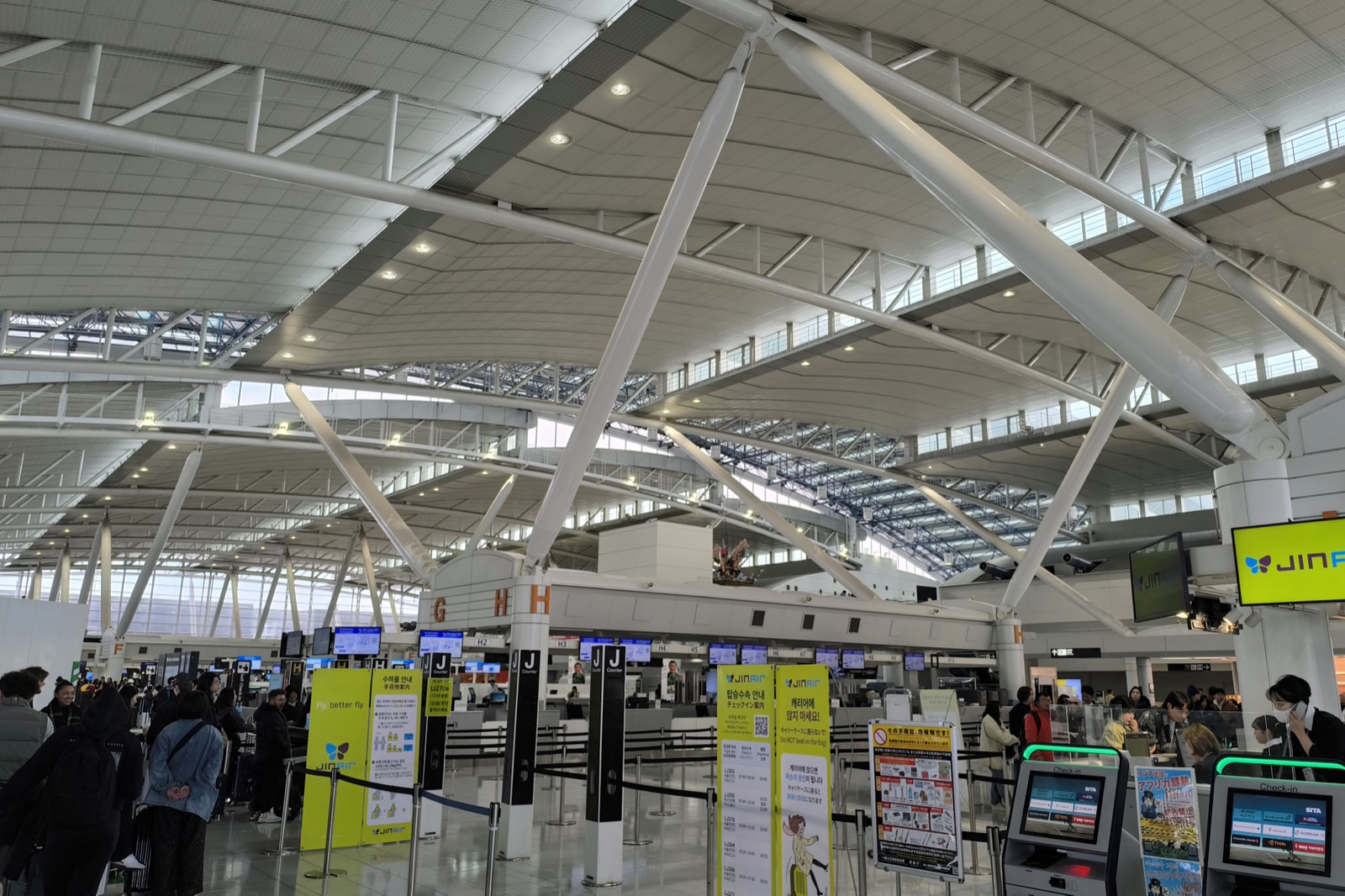
Fukuoka Airport (FUK): the airport’s own site lists the current pocket WiFi and SIM vendors in the international terminal and their hours. Expect a queue during busy arrival windows.
Kitakyushu Airport (KKJ): the airport is small, so check its facility guide before you count on buying a SIM there. If you arrive without data, connect to the free airport WiFi and set up Airalo in arrivals.
The easiest option is still to install the eSIM before you leave home. For the airport Wi-Fi names, the shuttle to the subway at FUK and what’s on the arrivals floor at KKJ, see the Fukuoka eSIM guide.
Setup checklist (before you fly)
- Download the Airalo app
- Buy a plan that covers your whole stay
- Save the QR code, and screenshot it for offline use
- Go to Settings → Cellular (iOS) or the SIM manager (Android) → Add eSIM → scan the QR code
- Label the new line “Japan”
- Turn on data roaming for the Japan eSIM line (this lets it connect abroad)
- Turn off data roaming on your home SIM line
- Set the Japan eSIM as the default data line
When you arrive, the phone should connect to a Japanese network through the eSIM, and you’ll see the carrier’s name in the status bar.
Once you have data, start planning with the Fukuoka guides. Booking through the links above supports Kyushu Travels at no extra cost to you.
Airalo changes plans and prices often; check its site for the current list.
Photo credits
- Photo: Muyo, CC BY-SA 3.0 (modified)
- Photo: ERIC SALARD, CC BY-SA 2.0

